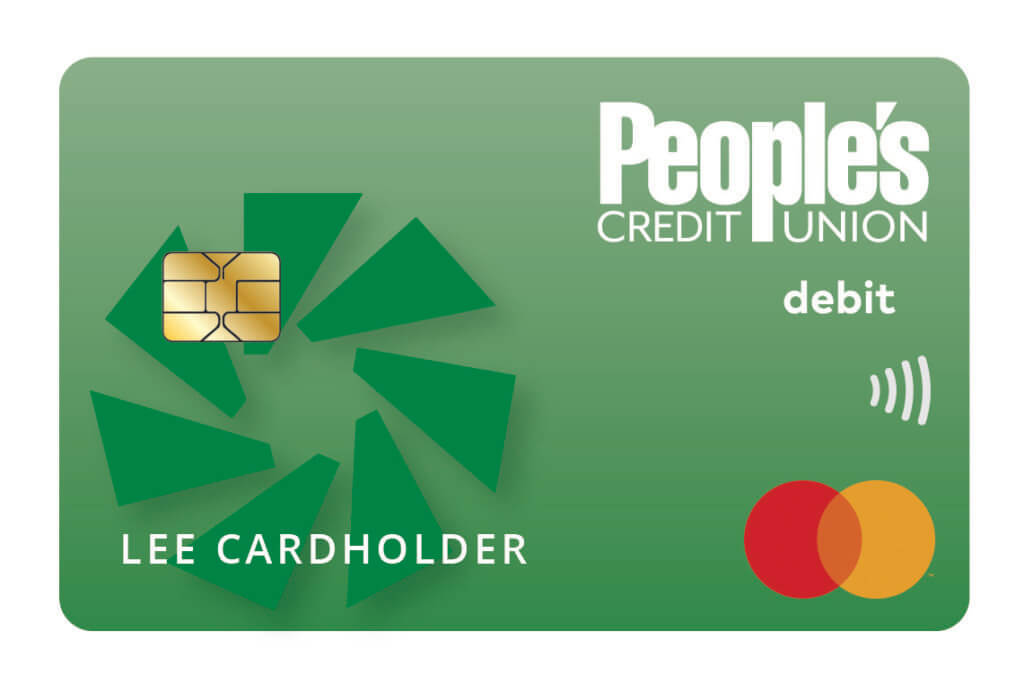
Enjoy a more convenient banking experience with a full suite of digital tools designed to keep you connected and in control. From managing accounts across your devices to opening new accounts, applying for loans, updating alerts, and handling everyday tasks like payments or travel notifications, everything you need is right at your fingertips.

Online & Mobile Banking
Simple. Secure. Convenient. Bank Anywhere, Anytime.
Enjoy a more convenient banking experience with a full suite of digital tools designed to keep you connected and in control. From managing accounts across your devices to opening new accounts, applying for loans, updating alerts, and handling everyday tasks like payments or travel notifications, everything you need is right at your fingertips.
Online & Mobile Banking Features & Benefits
Stay Connected
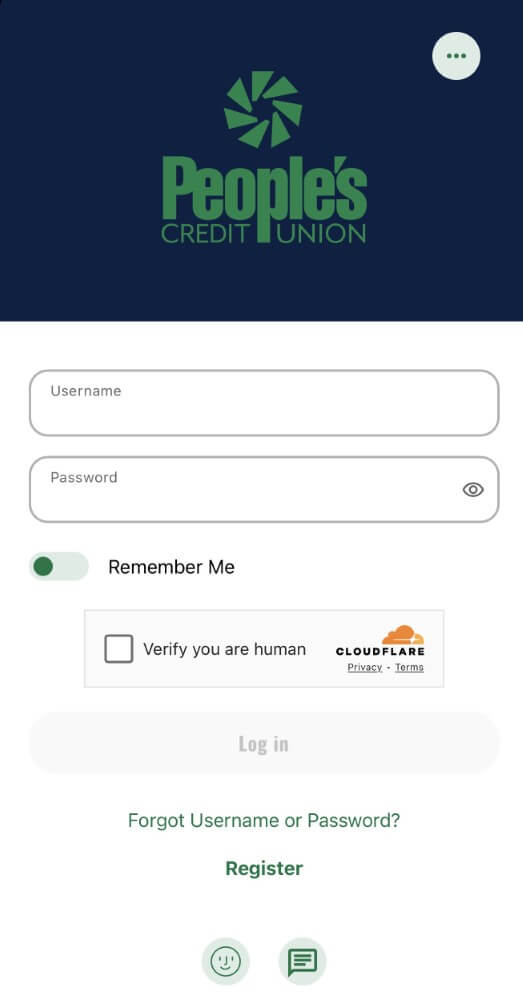
Stay connected anywhere with the People’s CU Online Banking or Mobile Banking app
- Bank on the go with ease using the People’s CU Mobile Banking app. Whether you’re at home or on the move, managing your money is simple and secure.
- Quick, secure login with biometric options like Face ID or fingerprint, no need to remember passwords when you’re in a hurry.
- Deposit checks in just a few taps with Mobile Deposit. Submit checks anytime, anywhere, and track their status for up to 90 days, complete with check images for peace of mind.

Dashboard
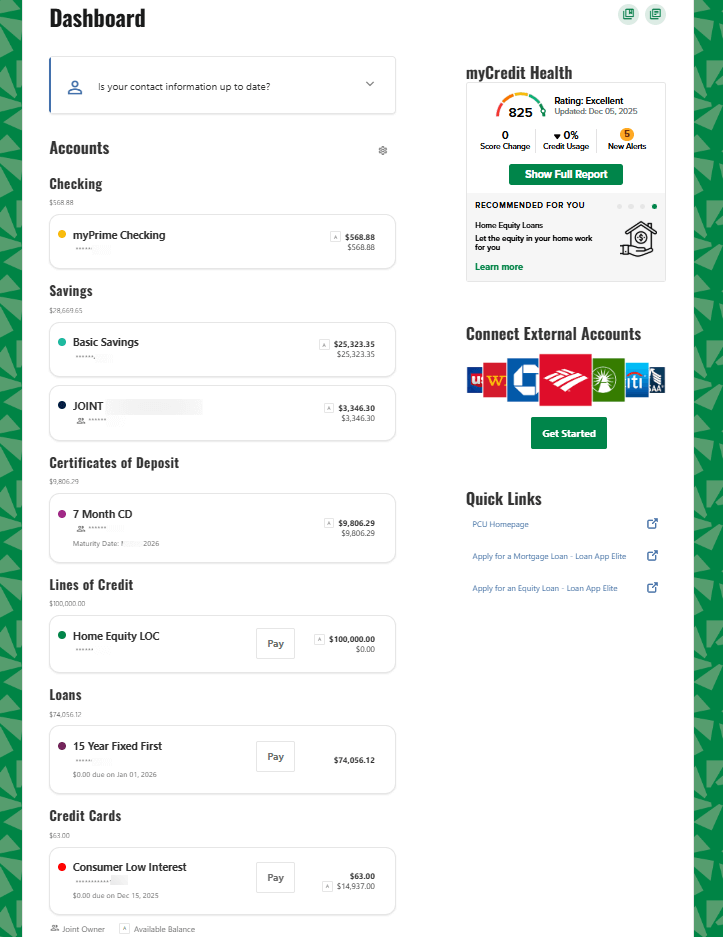
Your Complete Financial Picture – All in One Place
- View and manage everything in one place, view your personal PCU deposit accounts, loans, lines of credit, and credit cards all in one dashboard.
- Connect your outside accounts with our aggregation feature, so you can track balances and transactions across all your financial relationships without switching apps.
- Access up to seven years of account history with easy eStatement enrollment. Download deposit account statements, loan bills, credit card bills, and even tax documents whenever you need them.
Transfer & Pay
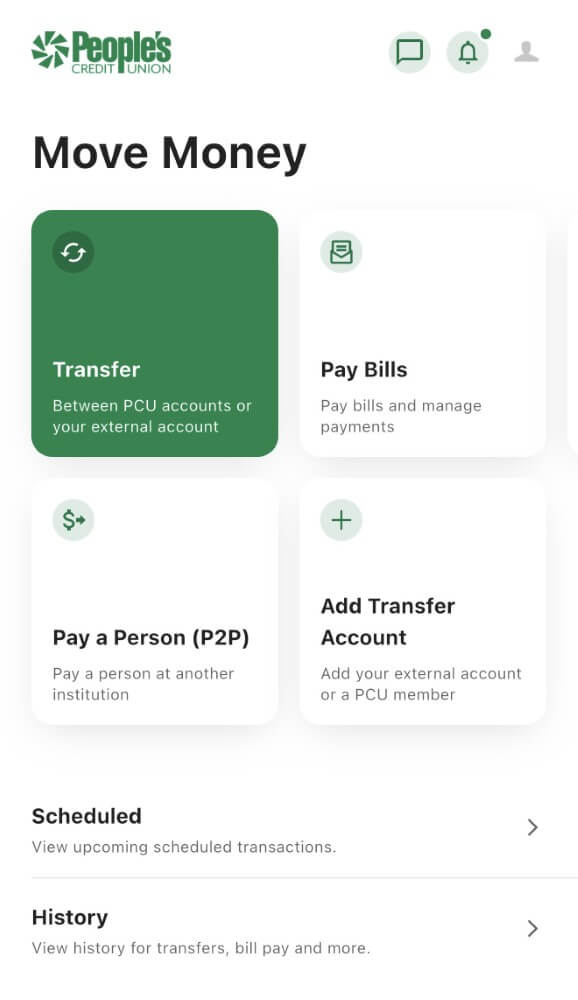
Send, Pay, Transfer – All in One Secure Place
- Transfer funds your way, between PCU accounts, to another PCU member, or to/from your accounts at other banks or credit unions. Our Instant Account Verification makes linking external accounts quick and hassle-free.
- Pay your PCU loans easily or disburse funds from your line of credit without visiting a branch.
- Simplify bill payments with our Pay Bills platform. View and pay bills in one consolidated menu, schedule multiple payments at once, and enjoy the convenience of eBills for faster processing.
- Send money fast and free with Pay a Person (P2P). Transfer funds to trusted friends and family at other institutions in near real-time, with no fees and no reliance on third-party apps or networks.
Alerts & Security
Stay informed, stay secure
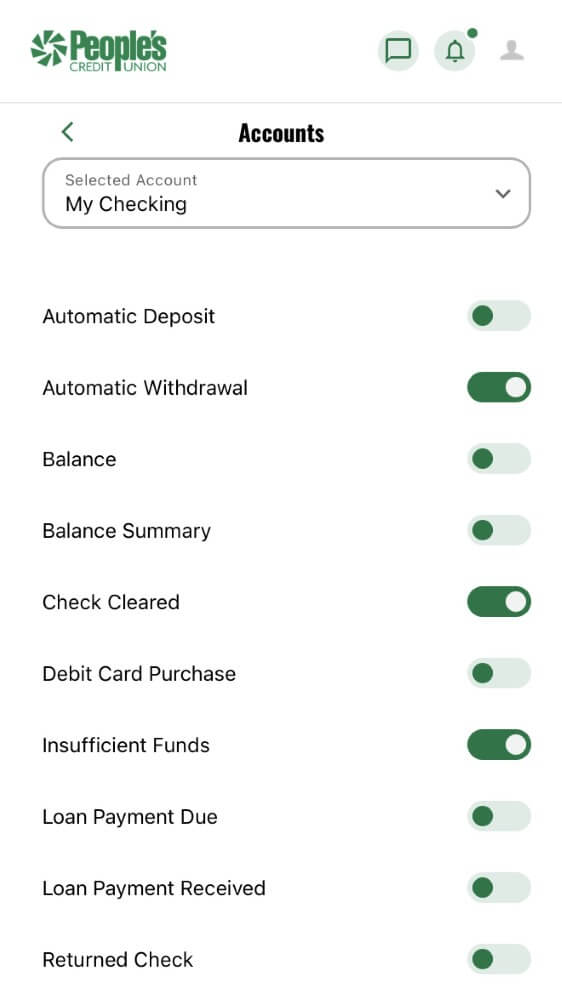
- Stay informed in real time with customizable alerts delivered by email, text, or push notification. Get notified if your balance drops below a threshold, if your account goes negative, when certain transactions post, or when a loan due date is approaching. Plus much more!
- Bank with confidence thanks to robust security measures, including the ability to set mandatory two-factor authentication and the option to link an authenticator app for added protection.
- Update your personal information anytime, change your address, add a seasonal address, or update contact details without calling or visiting a branch.
Card Management
Your cards, your rules
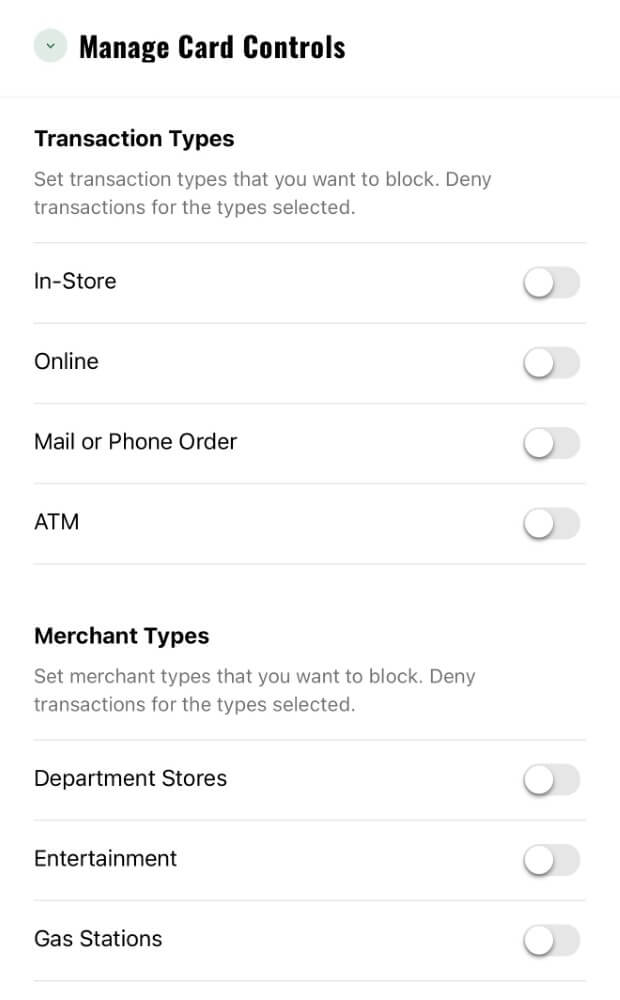
- Take control of your cards, turn your PCU debit or credit card on or off instantly, set spending limits, and choose which types of transactions and merchants are allowed.
- Manage your People’s credit card smarter, perform balance transfers to take advantage of promotional rates, request cash advances, and redeem rewards points right from online banking.
- Travel worry-free by adding travel notes so your card works seamlessly wherever you go.
Financial Wellness
Your Financial Health, Made Simple
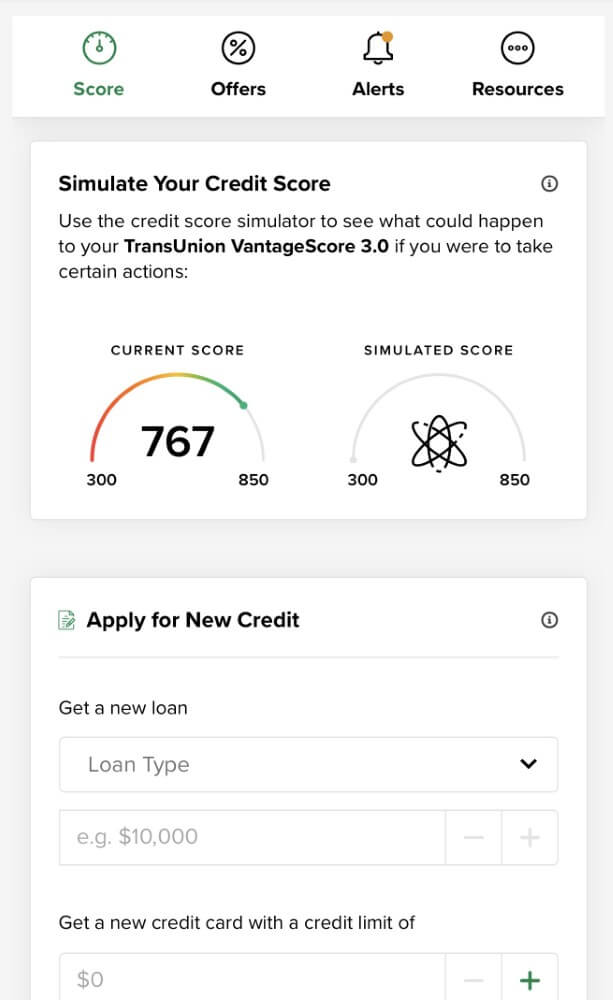
- Track and improve your credit with myCredit Health. View your credit score and report, receive alerts, set goals, and use the simulator tool to see how changes can impact your score.
- Understand your spending habits with our Spending Analysis tool and set personalized savings goals to stay on track toward your financial objectives.
Extra Tools
Extra Tools for Extra Convenience
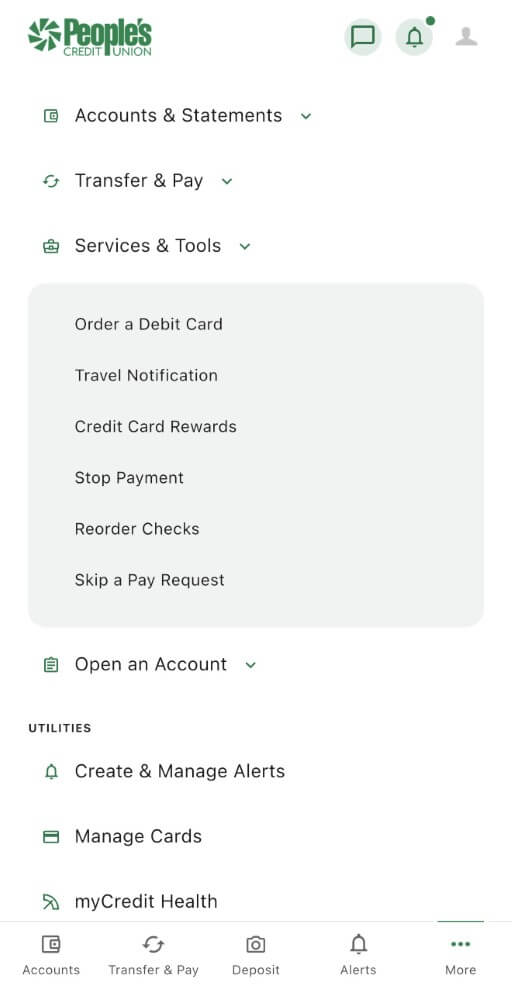
- Get help when you need it with authenticated live chat, stop payments on checks, reorder checks, and more, all without leaving your online banking dashboard.
- Share access securely with trusted family or friends using our Shared Access feature. Give them the ability to help manage your accounts with permissions you control, while keeping separate, secure logins.
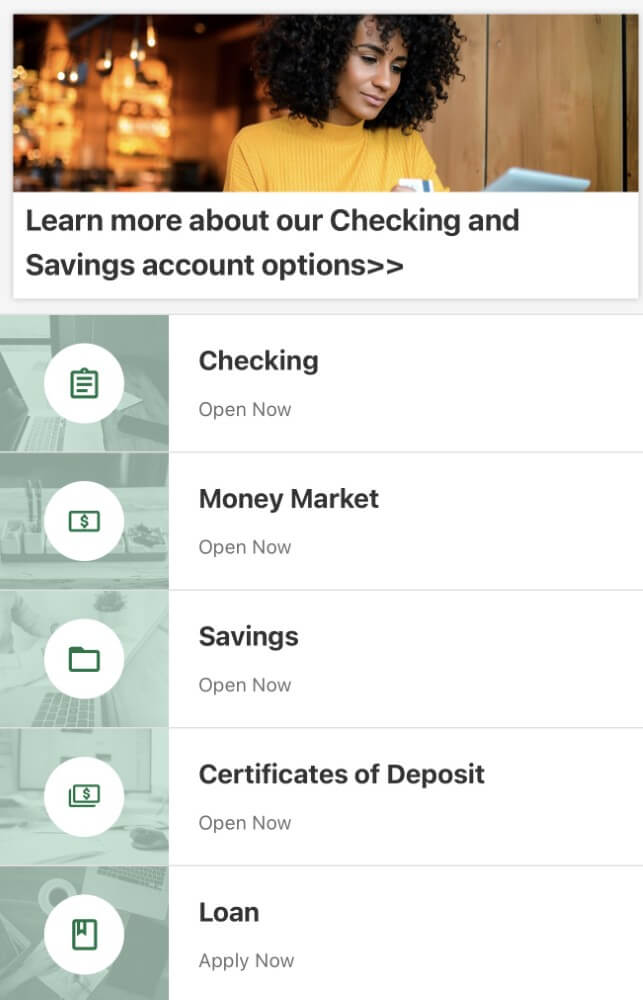
Open an Account
New Accounts in Minutes, Right from Home
Skip the branch visit and open new accounts online in minutes. Choose from checking, savings, Money Market accounts, or Certificates of Deposit (CDs), all from the comfort of home.
Business Banking Features & Benefits
Managing your business finances shouldn’t be complicated. With our Business Online Banking, you get secure, 24/7 access to your accounts, anytime.
From customizable user permissions and streamlined payments to dual authorization and tools like Positive Pay, Remote Deposit Capture, and QuickBooks compatibility, everything is designed to save you time and keep you in control of your business.
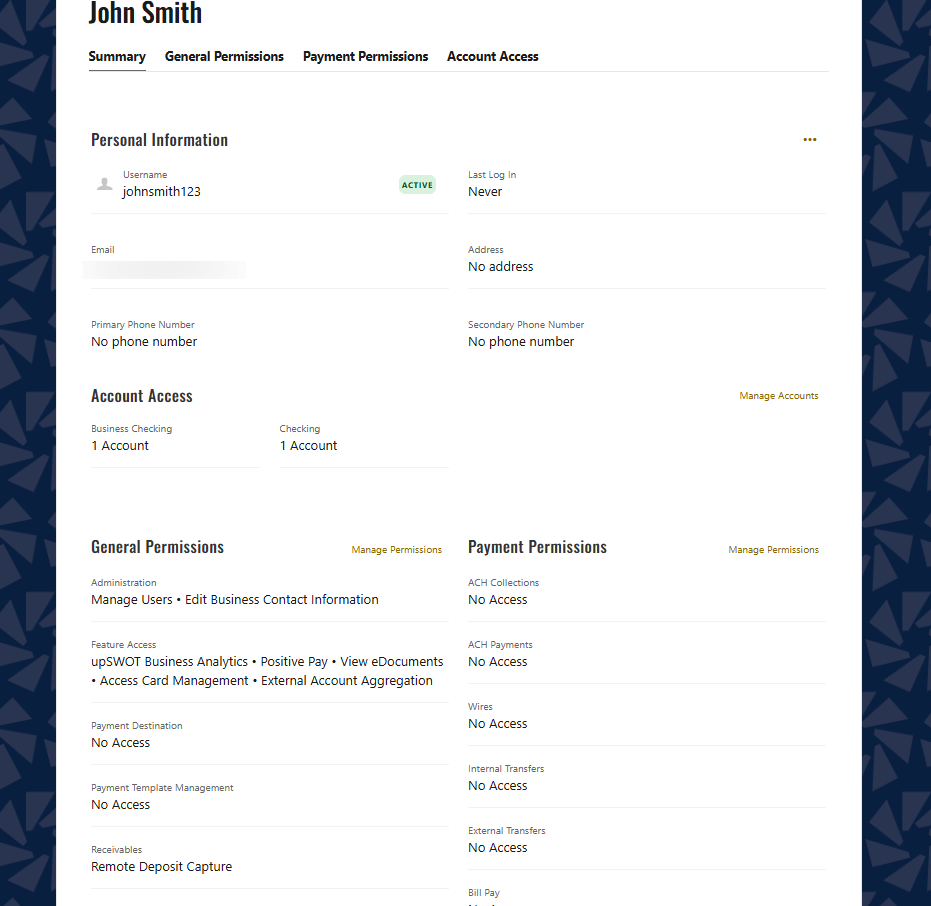
- Stay in control of your team’s access with robust user management tools. Create and manage online business users with permission tailored to their role, from view-only access for accountants to full access for owners and account signer
- Granular controls for peace of mind, as the business admin (“master user”), you decide which accounts, transaction types, and limits each user can access. This ensures strict security and accountability across your organization.
- Track activity easily with Business Reports. Generate custom reports to review online banking activity for all users, helping you maintain oversight and compliance.
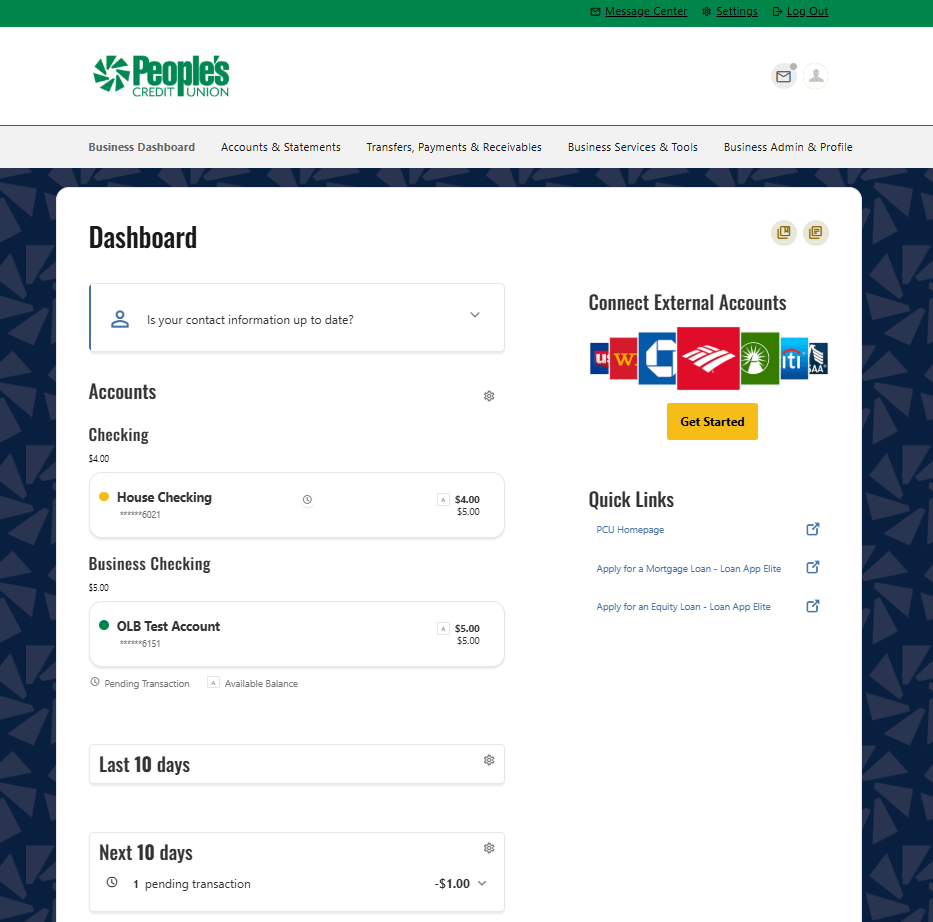
Business Hub
Your Complete Business Financial Hub
- Manage multiple businesses effortlessly with our Householding feature. Link multiple business entities under one umbrella profile for convenient access to all commercial accounts in one place.
- Switch between profiles without logging out using Login Grouping. Keep personal and business profiles separate but easily accessible.
- Simplify accounting with QuickBooks integration. Download transactions in .qbo format for easy import or set up automatic aggregation so QuickBooks updates itself.
- See your entire financial picture by connecting external accounts alongside your PCU accounts, balances, and transactions all in one dashboard.
- Access up to seven years of history with eStatements for deposit accounts, loan bills, and tax documents.
- Stay accurate with Daily Reconciliation, review the previous day’s balances and transactions for selected accounts, then print or export as PDF or CSV for recordkeeping.
- Gain deeper insights with Business Reports. Access standard reports or create custom ones to track balance trends and transaction details for selected accounts.
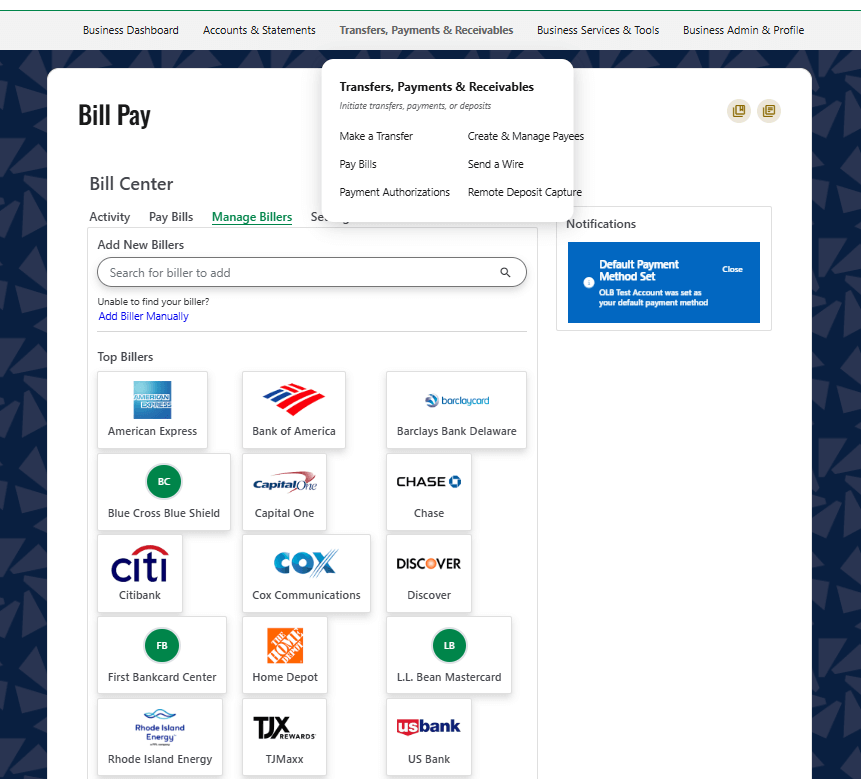
Move Money
Move money with confidence and speed
- Move money with confidence, transfer between PCU accounts, to other PCU members, or to/from your business accounts at different banks or credit unions. Instant Account Verification makes linking external accounts quick and secure.
- Pay your PCU loans or disburse from your commercial line of credit directly to your checking or savings account without leaving your office.
- Keep records organized by exporting transfer confirmations for retention or printing.
- Pay bills the smart way with free Bill Pay and eBills. View and pay bills in a single consolidated menu, schedule multiple payments at once, and even mail checks to vendors with memos and invoice details, all at no cost.
Alerts & Security
Stay informed, stay secure
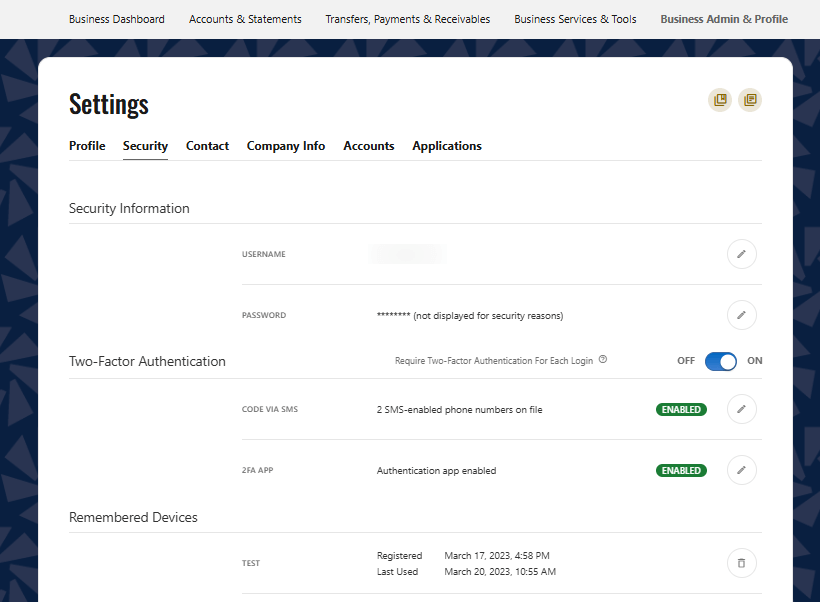
- Stay informed in real time with customizable alerts via email, text, or push notifications. Get notified about low balances, negative balances, posted transactions, upcoming loan due dates, and more.
- Bank securely with the ability to set mandatory two-factor authentication and the option to link an authenticator app for added protection.
- Update your business information anytime; addresses, seasonal addresses, and contact details can be changed online without calling or visiting a branch.
Card Control
Total Card Control for Your Business
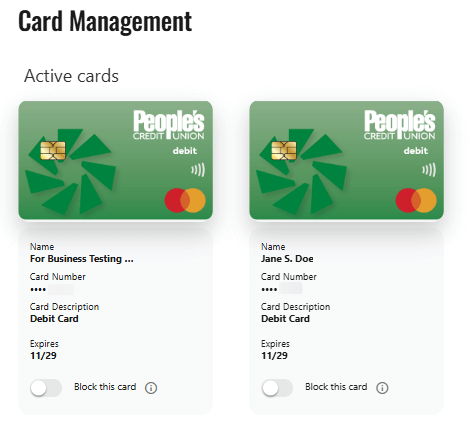
- Control your cards with confidence, turn cards on/off instantly, set spending limits, and choose which transaction types and merchants are allowed.
- Manage credit cards easily, perform balance transfers to take advantage of promotional rates, request cash advances, and redeem rewards points right from online banking.
Cash Management Services
Optimize your business operations with our Cash Management services
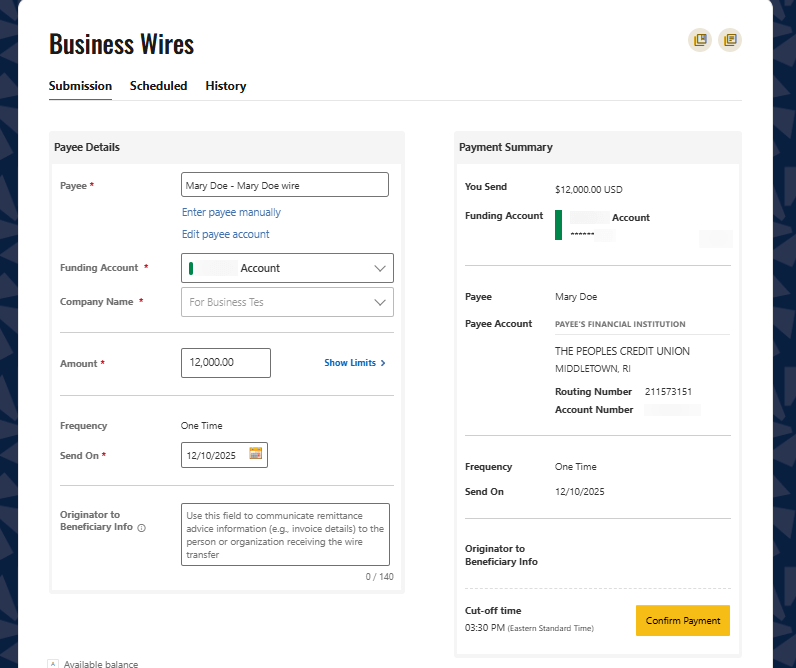
- Send wires securely and quickly with Business Online Wires. Originate domestic wire transfers in moments and pay vendors reliably from your office. Every wire includes a detailed, auditable record for compliance.
- Deposit checks without leaving your desk using Remote Deposit Capture. Scan and deposit checks into your business account, access digital images for up to six months, and generate itemized deposit reports for easy reconciliation.
- Protect your business from fraud with Positive Pay. This powerful solution cross-references checks and ACH transactions against your approved list, flagging exceptions for your review.

More Support
Get help fast with authenticated live chat, stop payments on checks, reorder checks, and more, all from your online banking dashboard.
What Members Say About Online Banking
The PCU app is easy to navigate and super convenient.
– Stacey B.


Frequently Asked Questions
What can we help you with today?
You can view your account balance/s by signing into your online banking profile through our website or through the PCU mobile app. To view account activity, click on the desired account to view recent activity. You can filter by date range to see previous activity.
If you are an existing member, you can open an additional deposit account through your online banking profile. Once you log in navigate to the Open an Account tab and follow the flow to complete the account opening process. Your new account can be funded with either an existing People’s Account or a linked external account.
The People’s CU mobile app can be downloaded via the Apple App Store or the Google Play store.
Within the PCU mobile app, you would select the “Deposit a Check” option. Once you have read the notices, you would select an account to which the check would be deposited and input the check amount. You would then take a picture of the front and back of the check in a well-lit environment, ideally with a dark background, as directed on the screen. The check must include “Mobile Deposit to PCU” under the endorsement to be accepted for deposit.
Once submitted, you will receive an email indicating that the check was received. Please retain the check for 30 days. Mobile deposited checks are manually reviewed and may be rejected upon review. If rejected, you will receive an email with the reason the deposit was not successful.
To enroll in electronic statements, you would sign into your online banking profile on a desktop or laptop to access the full site. Once logged in, you would navigate to the “Accounts” header and select “Statements & eDocuments”. Once on that page, you would select the desired account and follow the prompts to enroll in estatements.
Yes, you can change some options for your Home screen such as: changing the amount of the “Last x Days” and “Next x Days” activity that is displayed using the gear icon. Hide and unhide your accounts, change the order, color coding as well as nickname your accounts from within the Settings menu > Account Settings.
All primary users who were active on our previous platform will not need to re-register on the new platform; they will login and go through the first-time login flow which will validate their information and require them to create a password.
Primary users who were inactive (had not logged in in over 12 months) can re-register beginning July 21st. Secondary personal users can be re-created as a ‘Shared Access’ by the primary user after their initial login to the new platform. If the secondary user is a People’s member who would like to access their own accounts online, we would recommend they register for their own profile.